
Brother embroidery designs: the file the machine reads
Brother help pages list .pes for home embroidery machines, and the same answers also list .dst and .phc. Unzip the file, then send it by USB, Artspira, or cable.
Published · Updated
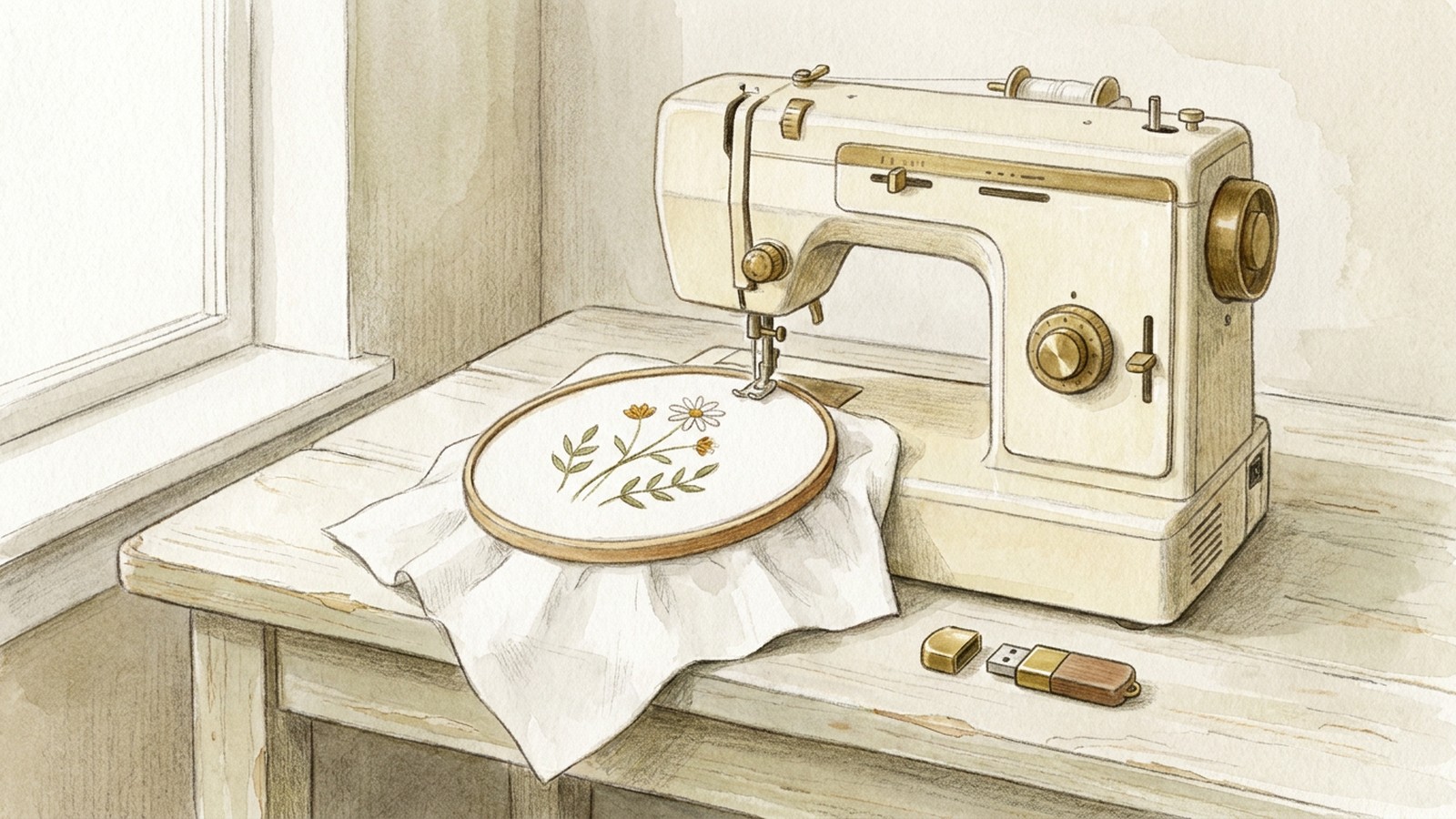
A Brother home embroidery machine reads a stitch file. Brother's U.S. help answer says the machine can read .pes, .dst, .phc, and .pen from iBroidery (Design format types). Two Petals says most purchased downloads arrive as a ZIP archive, and the embroidery machine cannot normally read the design while it remains inside that archive (Which file format). Unzip it on the computer and copy the .pes file. Send that file by USB (Download or transfer designs), by the Artspira app (Import External Files), or by a USB cable from PE-DESIGN (Transferring to a machine).
Where Brother owners get designs
Brother South Africa's free embroidery designs page says to download free embroidery patterns, and it lists a quilted mat, a dog-walking tote bag, and a tote bag with download links (Free Embroidery Designs). Brother Gulf lists those same projects on its own page (Free Embroidery Designs). The quilted-mat pattern opened from that Gulf page is a paper cutting template, with a cutting line, a stitching line, and a seam allowance (quilted mat pattern). Its instructions cover sewing and a ScanNCut applique (quilted mat instructions).
Brother India's page says to download free embroidery designs, and its BP3600 and V3SE pattern links open an embroidery download form (Embroidery Recipes). That form asks for a name, phone, city, and email (Embroidery Pattern Download Form). The form was left unsubmitted.
iBroidery's Design Packs catalog lists Star Wars Retro Road Trip, Marvel Avengers, Champion 10, Galaxy 10, Imagine 10, Com 10, and Star Wars 10, each with offer text, member design IDs, and an Add Design Pack To Cart control (Design Packs). A banner on that page says order processing, account creation, and product registration may be intermittently impacted during a firewall upgrade (Design Packs). The pack zip files were left unopened.
A stitch file already on the computer can be imported in Artspira, which lists PES, PHC, PHX, and DST (Import External Files).
Which file Brother lists
Brother's U.S. help answer says the machine can read .pes, .dst, .phc, and .pen from iBroidery, and that using data other than those saved designs may cause the embroidery machine to malfunction (Design format types). Brother's Canada answer, for the models that page covers, says only .pes, .phc, and .dst embroidery data files can be used, and that a .pen file from iBroidery can be used if the design has been associated with the machine (What formats can be used).
A newer Brother answer adds .pha to the import list and says .phx is exclusive to the machines it names, including PE-DESIGN (File format types). The PE-770 answer is narrower: only .pes and .dst embroidery data files can be used with that machine (USB media FAQ).
When a zip holds more than one stitch file, copy the .pes file if the Brother page for your model lists .pes. Copy .dst or .phc when that is the file you have and the page for your model lists it. Open the answer that names your model before you copy a file, because the lists are not the same page to page.
That U.S. format answer also says all designs must be within a 7 x 5 inch field for the models it covers (Design format types). A file in a listed format can still be too large for the hoop on your machine.
PES and DST
PES is the format Brother's PE-DESIGN Open command looks for. If the selected file is in a format other than .pes, the preview says "Unexpected file format" (Open or import a design).
DST is the Tajima format named on the PE-770 page. On that machine, .pes files are displayed as a thumbnail, and .dst files are displayed by name, file format, and file size. Tajima (.dst) data is displayed with Brother's default thread color sequence (USB media FAQ).
That is the practical difference when a folder contains both. The .pes file is the one that page shows as a picture, with the color sequence stored for that format. The .dst file still runs on a machine whose Brother page lists .dst, and it is the file to copy when it is the only stitch file in the folder. Other brands use other extensions. Two Petals says Brother machines commonly use PES, BERNINA machines usually prefer EXP, and Janome machines generally use JEF, and that the model still matters (Which file format).
From the zip to the machine
Two Petals says most purchased downloads arrive as a ZIP archive, and the embroidery machine cannot normally read the design while it remains inside that archive. Extract the zip on the computer, then copy the machine file (Which file format). Brother's PE-DESIGN Design Database says a zipped file can not be read in that application (Starting Up Design Database).
The USB path on Brother's pages is the same idea. Brother's USB answer for a long list of home models says to insert the USB media into the computer, copy the design, safely remove it, insert it in the machine with the embroidery unit attached, and press the button whose icon includes the USB symbol (Download or transfer designs). On the PE-770 page, folders and pattern files in the root directory are displayed after you press the USB key. That page says to save embroidery data in the root directory or in folders on the root, and that a file saved in a folder on a sub-directory cannot be retrieved (USB media FAQ).
The stricter U.S. format answer says to save patterns in the root directory of the USB media, and that embroidery data saved in a folder cannot be retrieved (Design format types). Another Brother answer, for the models it lists, shows a folder in a top folder and tells you to press the key for that folder (USB flash drive). Put the unzipped .pes file in the root of the USB flash drive when you are unsure. If the screen on your model shows folders, open the folder there.
Artspira is the app path. Brother's Artspira page says Import External Files brings embroidery design files into the app so you can send them to an embroidery machine, and it lists PES, PHC, PHX, and DST (Import External Files). The connect answer says to log in, select Embroidery Machine, follow the instructions in the app, and tap Transfer. It also says data for only one pattern at a time can be transferred (Connect and transfer). On the machine, Brother's retrieve answer says to press the button for your series to use the data transferred from Artspira. The groups on that page include F, LB, PE, and SE machines, Innov-is BP, NS, NQ, NV, and M machines, EV and Innov-is XP machines, and PR machines (Retrieve from Artspira).
The cable path is in PE-DESIGN, not in the machine's USB port alone. Brother's transfer page says designs can be transferred to embroidery machines that can be connected to a computer using a USB cable, and to leave the cable connected while designs are being written. The same page also sends designs to USB media and to machines on a wireless network (Transferring to a machine).
Fonts on the machine
An embroidery font for a Brother machine is a stitch file, not a font you install like a computer typeface. Brother's USB answer says that if a design or font is available in .pes or .dst, it can be downloaded and transferred by USB media, and that only one design or font letter can be transferred at a time on the models that page covers (Download or transfer designs). How lettering size and stitch type hold up on cloth is a separate question, covered in embroidery design fonts. Installing a font inside Embrilliance is covered in how to add fonts to Embrilliance.
Open or view a PES file
Brother's PE-DESIGN help says to select a folder containing a .pes file. An empty list means that folder is the wrong place to look. A file in another format brings up "Unexpected file format" in the preview (Open or import a design).
Design Database displays files with extensions that include .pes, .phc, .phx, and .dst. The page says a .pem file is not displayed, since it cannot be read by the machine, and tells you to import that design into Layout and Editing and save it as a .pes file. A zipped file can not be read in that application (Starting Up Design Database).
For a free viewer, Ink/Stitch lists PES among the embroidery formats it can read and among the formats it can write (File Formats). The Ink/Stitch site describes the project as free, open-source software (Ink/Stitch). Brother's captured pages name PE-DESIGN as the program that opens a .pes file and leave the price of that software unstated.
Where a PES file comes from
Brother's USB answer says you can search for a design or font already saved as .pes or .dst and transfer that file by USB media (Download or transfer designs). Artspira's import page is the app route for a PES, PHC, PHX, or DST file you already have (Import External Files). Sellers of machine-embroidery files are the usual source of a downloaded stitch file.
The simple floral design is coming soon at $4.99.
Hooping comes after the file is on the machine. A towel and a shirt need different stabilizer and placement, covered in how to embroider on towels and embroidery designs for shirts.
If the file is the wrong kind
Brother's format answer says using data other than the formats that page lists may cause the embroidery machine to malfunction (Design format types). A picture or a drawing has to be turned into a stitch file first. Turning a drawing into a stitch file is a separate job, covered in how to make embroidery designs. The conversion path Brother's Design Database documents is the .pem case: import the design and save it as a .pes file (Starting Up Design Database). For any other extension, use software that can write a format your model's Brother page lists, then transfer that file.
The limit of this path is the model. A format listed on one Brother answer can be absent from the answer for another model, and a file that fits the extension can still exceed the field that page states.
Questions
What file format does a Brother embroidery machine use?
Brother's U.S. help answer says the machine can read .pes, .dst, .phc, and .pen from iBroidery (Design format types). A newer answer adds .phx only for the machines it names (File format types).
Is PES or DST better?
On the PE-770 page, a .pes file shows as a thumbnail and a .dst file shows by name. Tajima .dst data is displayed with Brother's default thread color sequence (USB media FAQ). Copy .pes when that page lists it and the folder has a .pes file.
How to download embroidery designs for Brother machine?
Unzip on the computer, copy the .pes file to USB media, and press the button with the USB symbol (Download or transfer designs). Artspira can import PES, PHC, PHX, or DST (Import External Files).
What program will open a PES file?
Brother's PE-DESIGN software opens a .pes file (Open or import a design). Design Database also displays .phc, .phx, and .dst, and a zipped file can not be read in that application (Starting Up Design Database).
Is there a free viewer for PES files?
Ink/Stitch lists PES among the embroidery formats it can read (File Formats), and the project describes itself as free, open-source software (Ink/Stitch).
Can I add fonts to my Brother embroidery machine?
An embroidery font is a stitch file. Brother's USB answer says a design or font saved as .pes or .dst can be copied to USB media, one letter at a time on the models that page covers (Download or transfer designs).
What is a DST file for embroidery?
On Brother's PE-770 page, DST is Tajima embroidery data. That machine can use .dst, and the file is displayed with Brother's default thread color sequence (USB media FAQ).
Can you upload your own designs to a Brother embroidery machine?
You can transfer a stitch file the model's page lists, by USB (Download or transfer designs), by Artspira (Import External Files), or by a USB cable from PE-DESIGN (Transferring to a machine).
Related
- DesignPlaceholder
Simple Floral Design
One filled flower for a towel or a shirt chest, in its supplied sizes.
Sources
- Brother USA: Design format types that the machine will read
- Brother Canada: What formats can be used with this machine? (2026)
- Brother: How do I retrieve a specific embroidery pattern from the computer to the machine via a USB media? (2015)
- Brother: Starting Up Design Database (2026)
- Brother: Transferring to a machine by using USB media, wireless network, USB cable, or original card (2026)
- Brother USA: Download or transfer designs and fonts from computer to machine using USB media
- Brother USA: Open or import a design into the PE-DESIGN software
- Brother USA: File format types
- Brother: Artspira Import External Files
- Brother: How to retrieve the data transferred from Artspira (2024)
- Brother: How to connect your machine and transfer data to Artspira (2025)
- Two Petals: Which Embroidery File Format Does My Machine Use? (2026)
- Ink/Stitch: File Formats (2026)
- Ink/Stitch: Ink/Stitch (2026)
- Brother USA: Transfer designs to the machine using a USB flash drive
- Brother South Africa: Free Embroidery Designs
- Brother Gulf: Free Embroidery Designs
- Brother Gulf: Quilted mat pattern (2016)
- Brother Gulf: Quilted mat instructions (2016)
- Brother India: Embroidery Recipes
- Brother India: Embroidery Pattern Download Form
- iBroidery: Design Packs